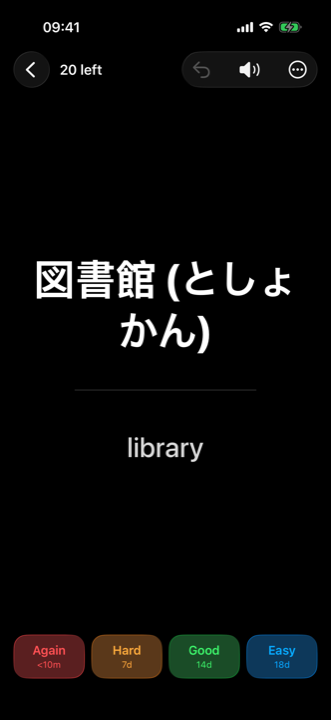
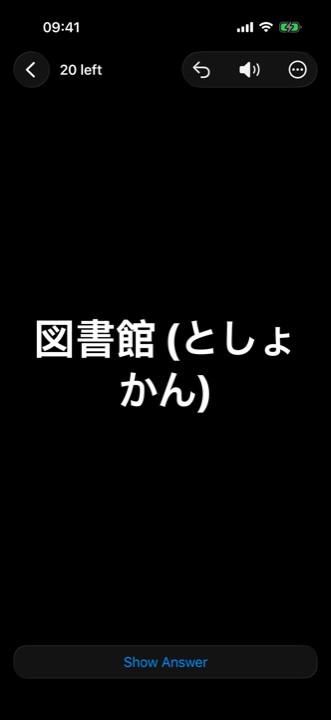
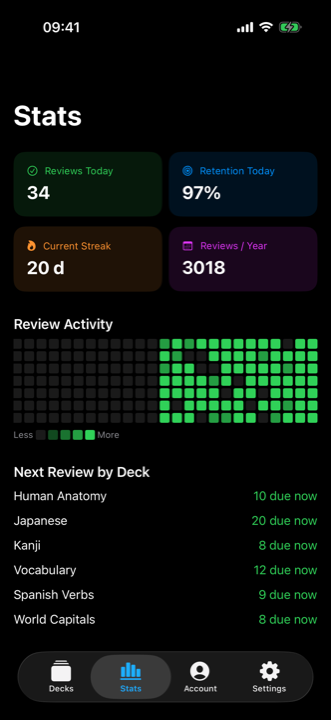
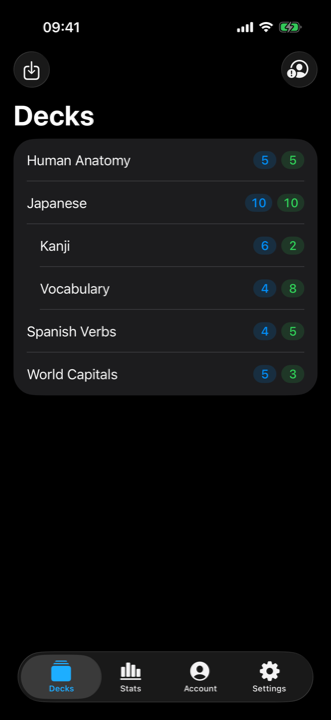
Ankios wraps Anki's actual Rust backend in a fast SwiftUI app. Study offline, sync with AnkiWeb, and review your cards on iPhone or iPad.
iOS 16+ · iPadOS 16+ · Free and open source


Ankios cross-compiles the upstream anki crate for scheduling, SQLite storage and AnkiWeb sync, then adds a native SwiftUI interface and HTML card rendering. The app exposes a focused subset of the backend’s features.


Upstream Anki scheduling, including FSRS when enabled in your collection. Grade with four buttons, undo, bury or suspend during review.
Sign in with your AnkiWeb account. Self-hosted sync servers work too.
Open shared decks from the Files app, straight into your collection.
Media is served to cards through a native URL scheme handler, with tap-to-replay sound.
One optional local notification, at the hour you pick. No account, no server.
Your collection and downloaded media live on your device. While the app is running and signed in, sync resumes when the connection returns.
Bundled MathJax renders formulas on both card faces, with local fonts and no CDN. Desktop-generated LaTeX images display through synced media.
Download Ankios-0.2.5-unsigned.ipa from the latest GitHub release.
Open the file with AltStore or Sideloadly and sign in with your free Apple ID.
On your device: Settings, General, VPN & Device Management, then trust your profile.
Version 0.2.5 (build 7) requires iOS 16.0+ or iPadOS 16.0+. The IPA is unsigned and must be signed for your device. Free Apple ID provisioning normally needs refreshing every 7 days. Enable Developer Mode if prompted.
Liquid Glass is available on OS 26+, with fallback controls on earlier versions. Minimum OS and device families are verified in the IPA; physical-device coverage is not yet complete. See the current limitations before syncing.
The app compiles against an upstream Anki checkout. Full instructions live in the README.
git clone --branch 26.05 --recurse-submodules https://github.com/ankitects/anki.git
cd anki
git clone https://github.com/edouaz/ankios.git ios
# add "ios/rsbridge-ios" to the workspace members
rustup target add aarch64-apple-ios aarch64-apple-ios-sim
ios/build-xcframework.sh
ios/gen-proto.sh
open ios/AnkiApp/AnkiApp.xcodeproj